 Decko
DeckoSlides that teach, drafted while you talk.
Any subject, any level, any language. Exports to PowerPoint and PDF.
“Supply and demand for a first-year university economics class, about 9 slides.”


Any subject. Any level. Any language.
First drafts from twelve one-sentence requests, untouched.





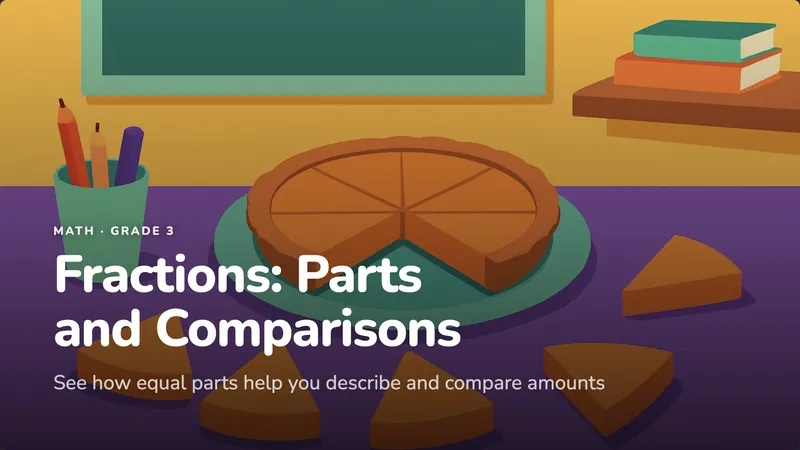




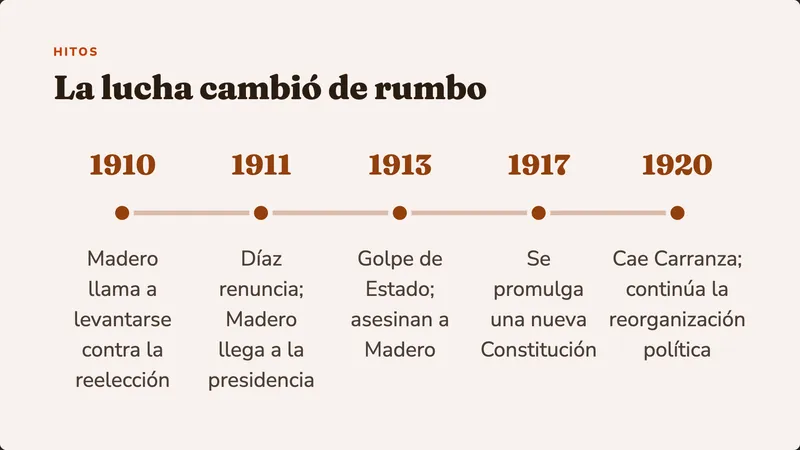
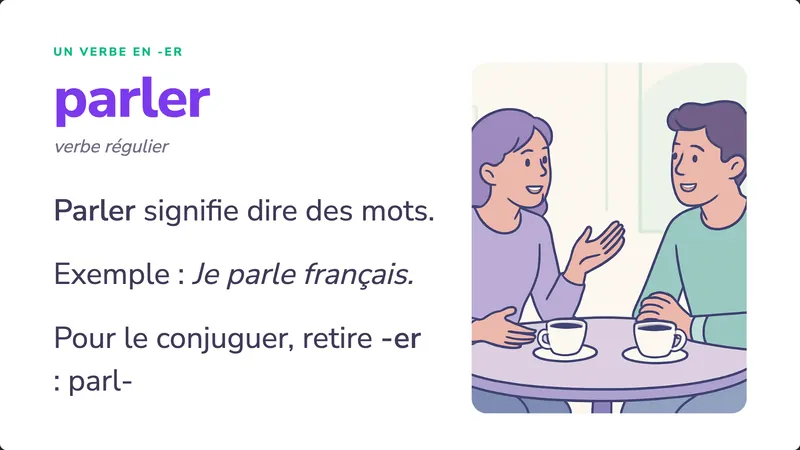
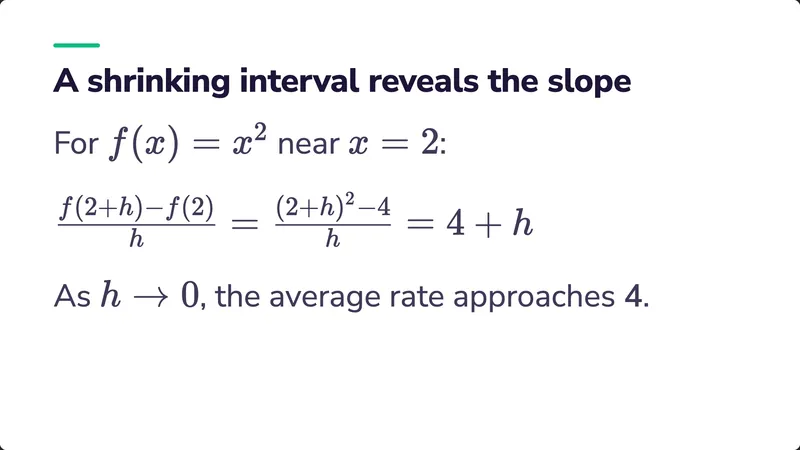
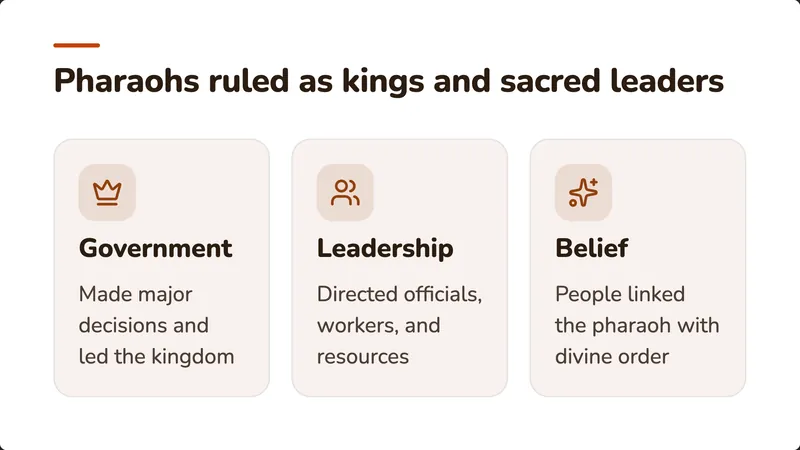
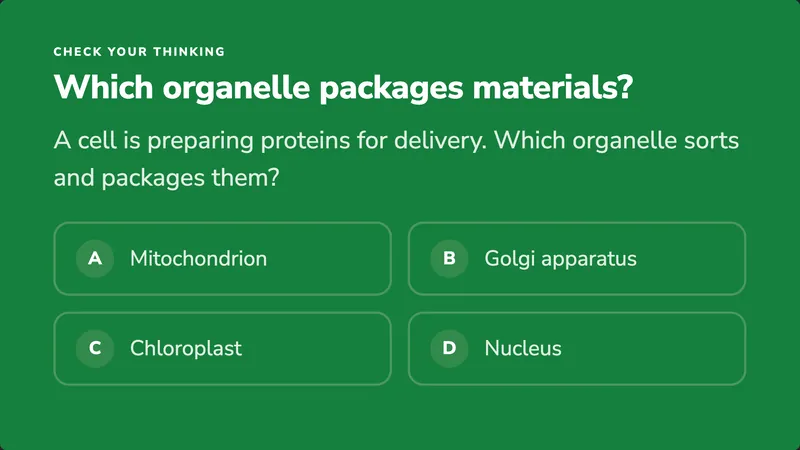
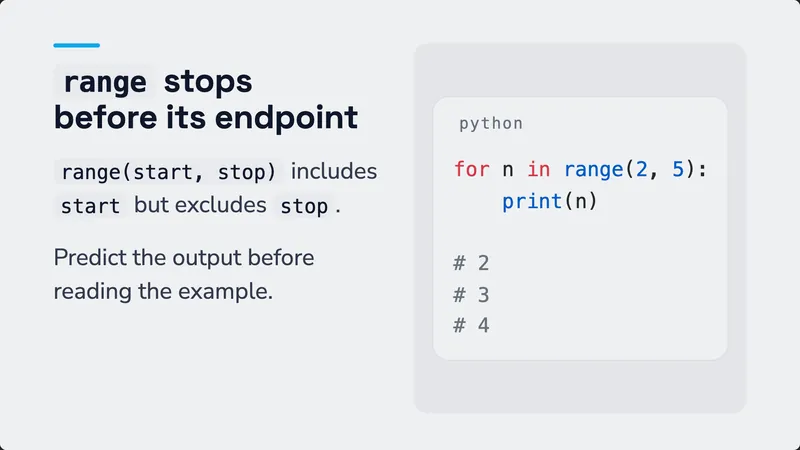
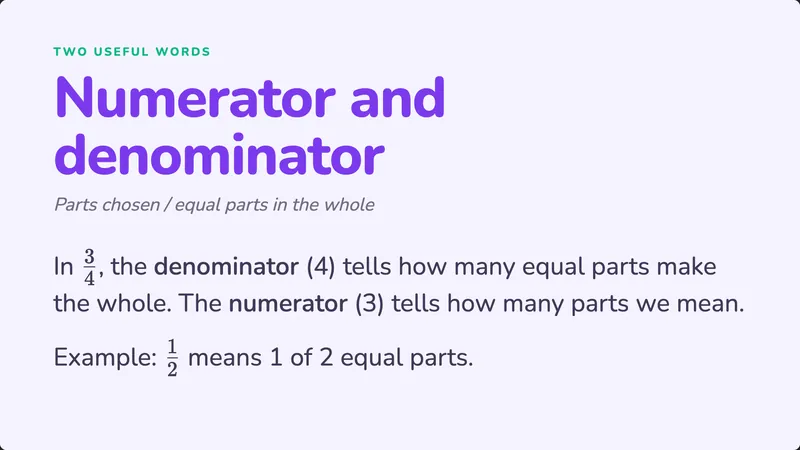
One real deck, marked up
Built like a lesson, not a pile of bullets.
This is the supply and demand deck from the request above, exactly as Decko drafted it. Here's what it did that a template wouldn't.

Opens on a puzzle
A sold-out concert with empty seats: a question the class can't answer yet, so they want to.
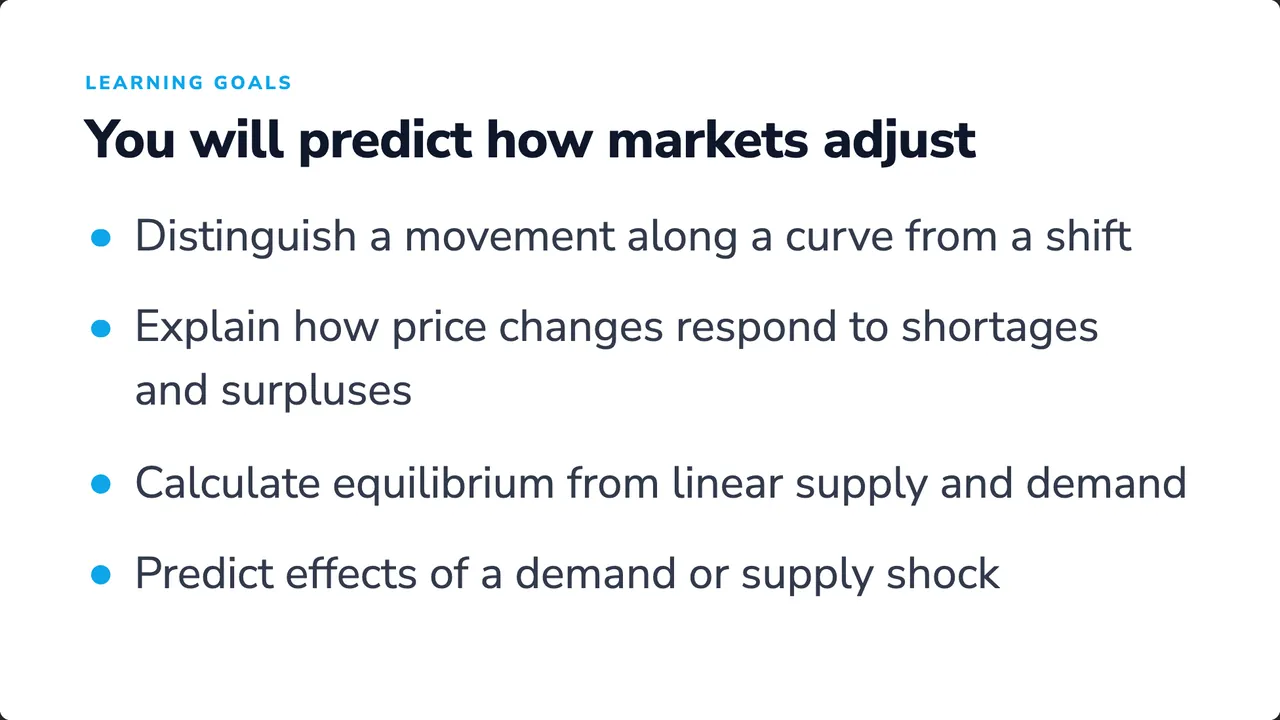
Says where it's going
Goals the students can check themselves against by the end.
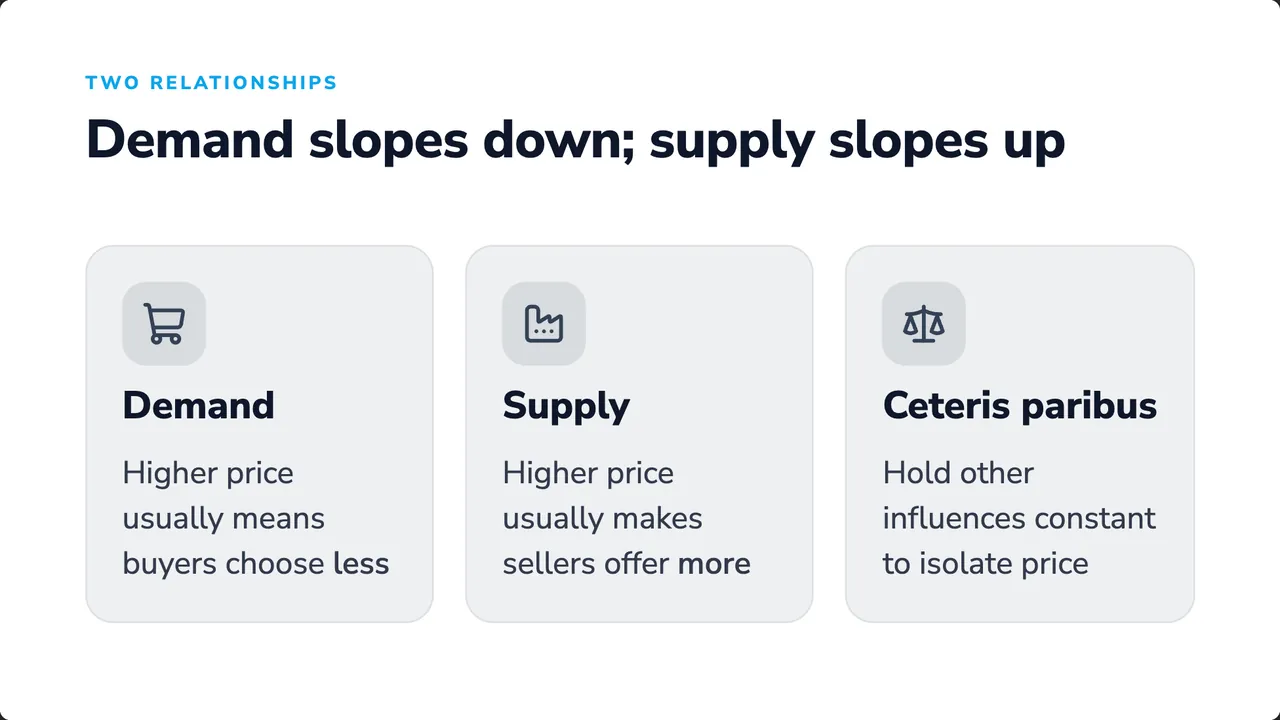
Titles carry the argument
Each title states a claim. Read only the titles and you still get the lesson.
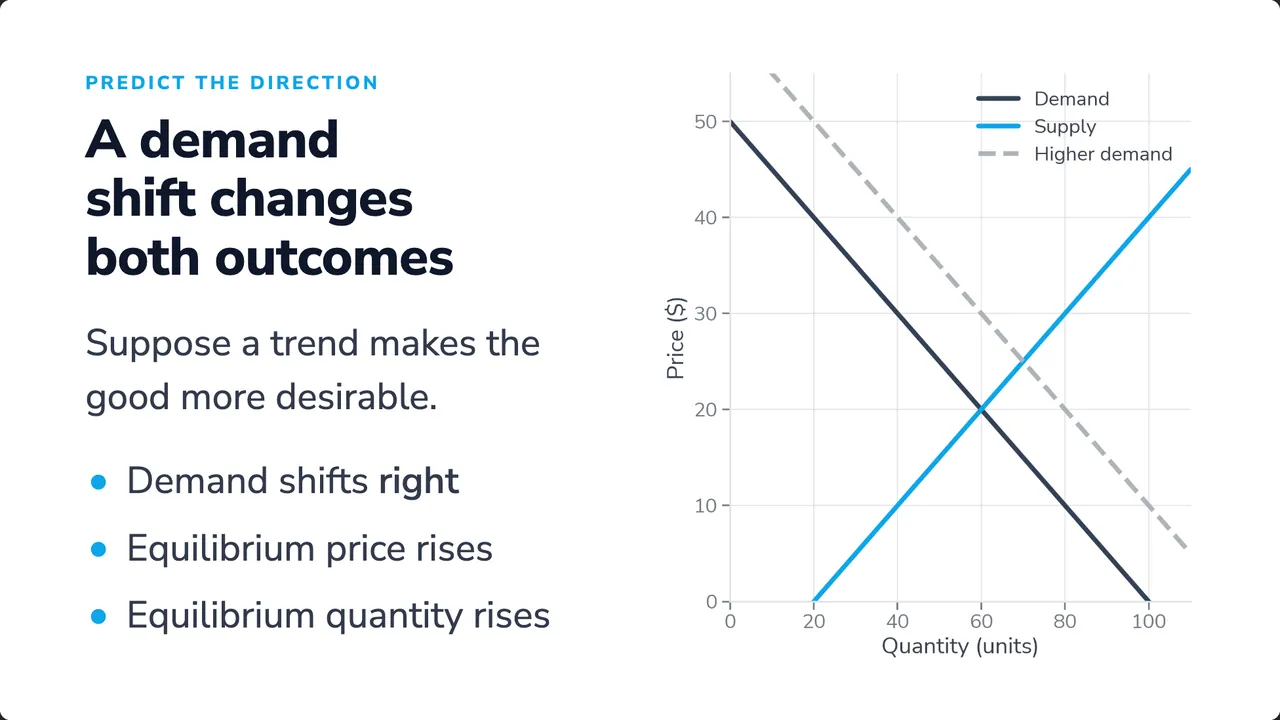
Draws the real curves
Plotted in Python from the equations, so the shift lands where the math says it does.
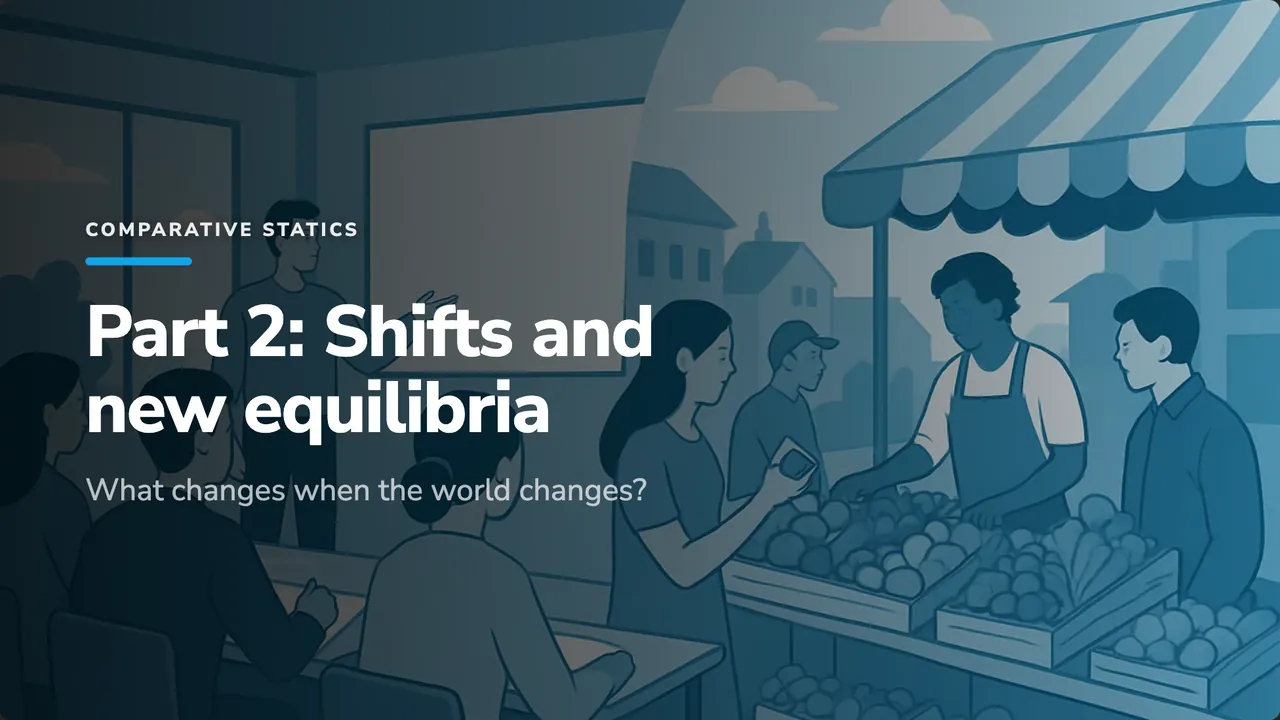
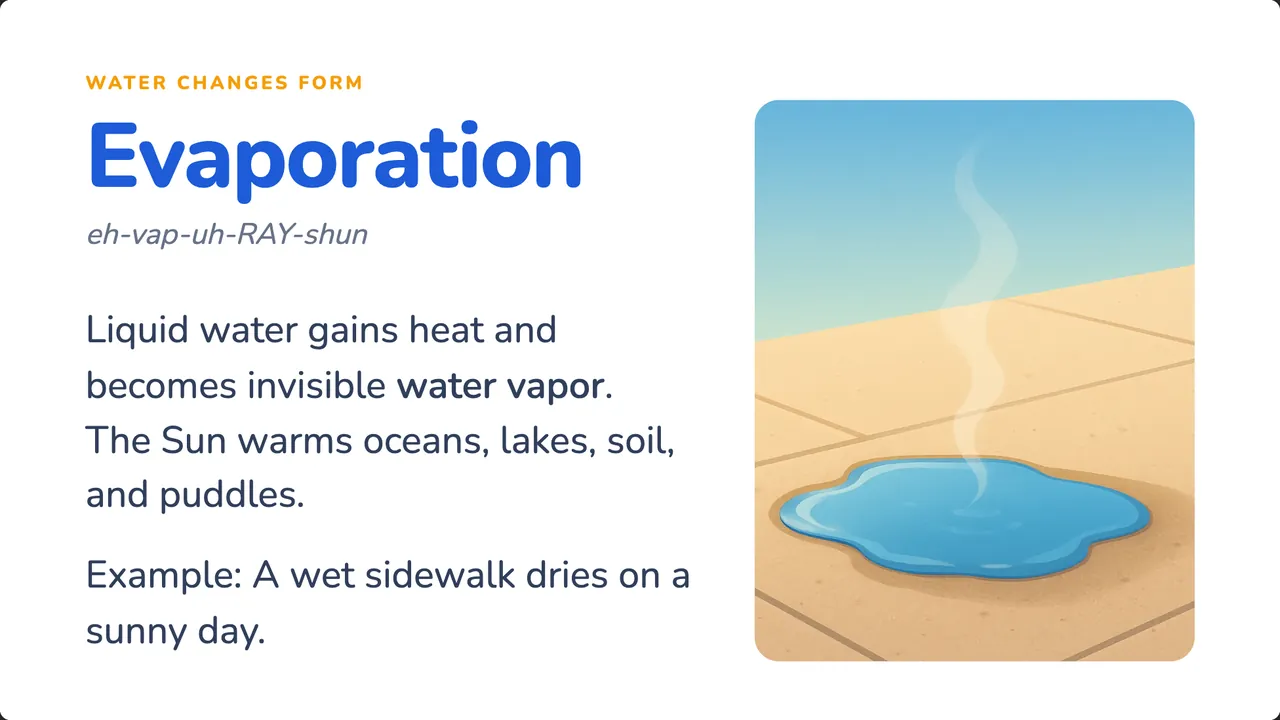
Pictures made for this class
Illustrations drawn for this lesson, in one style across the deck. No stock photos.
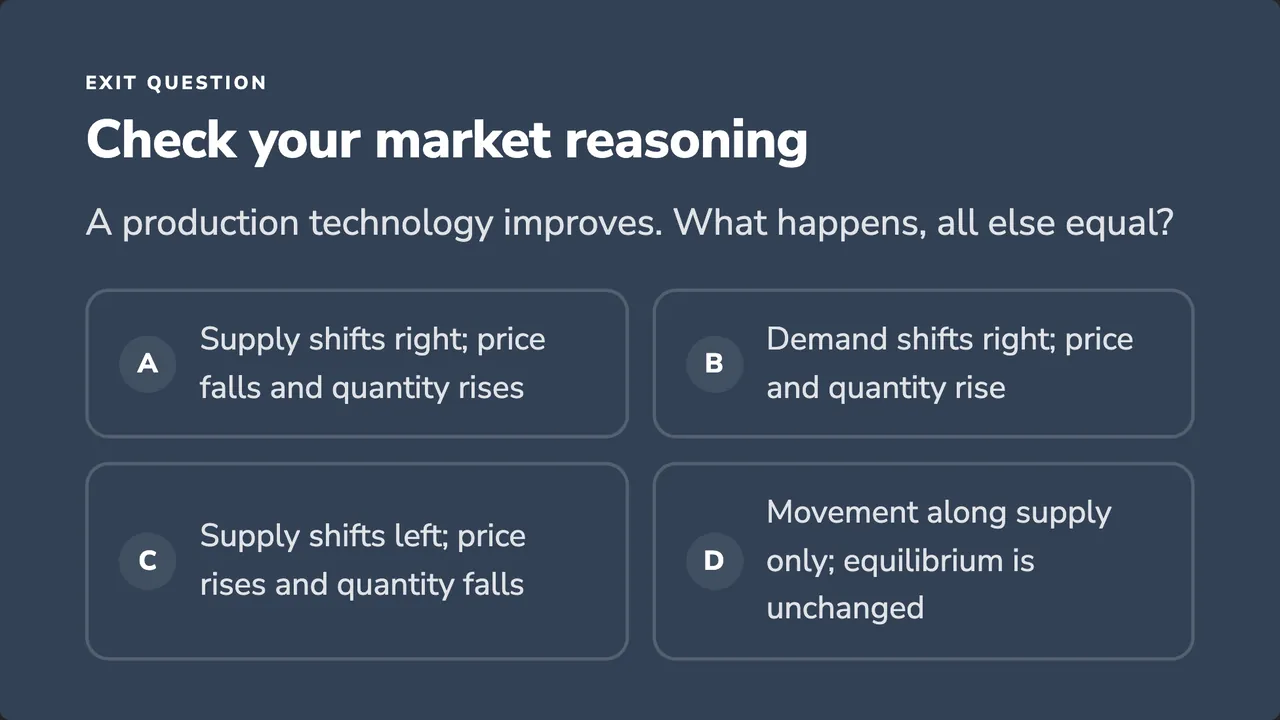
Ends on a check
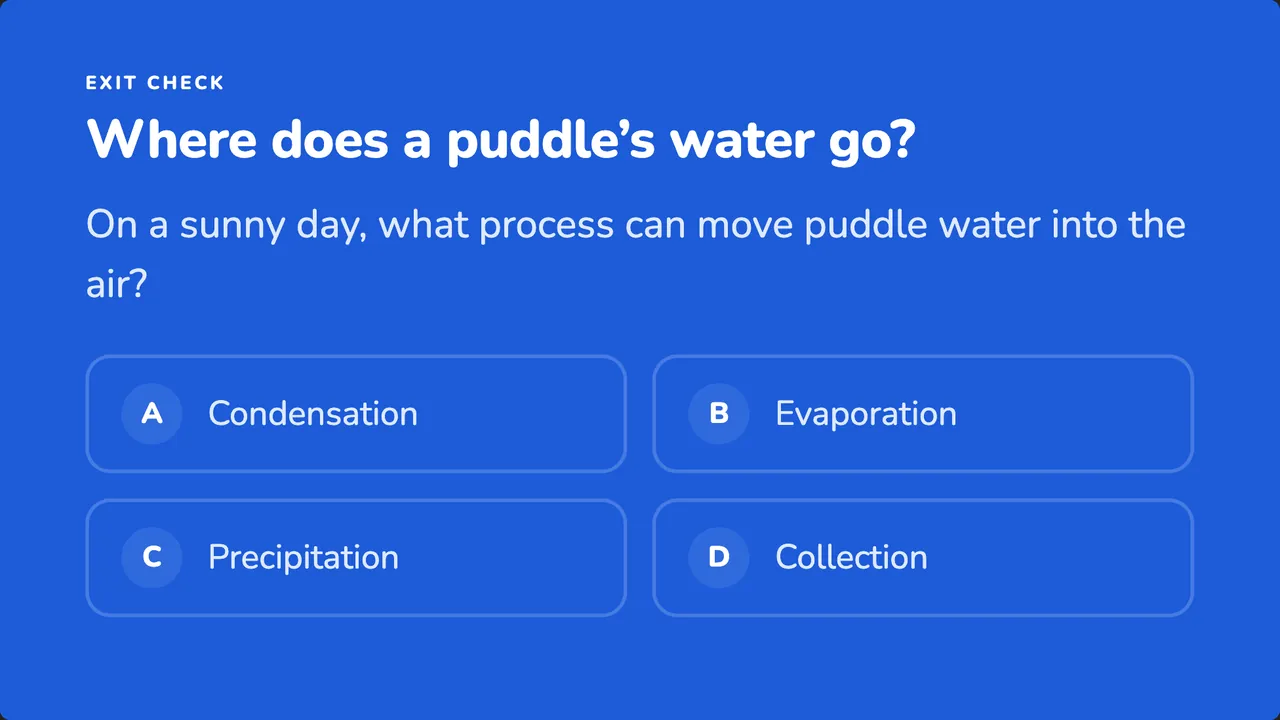
One question to see who got it, which students can answer live from their phones.
Real numbers, drawn right
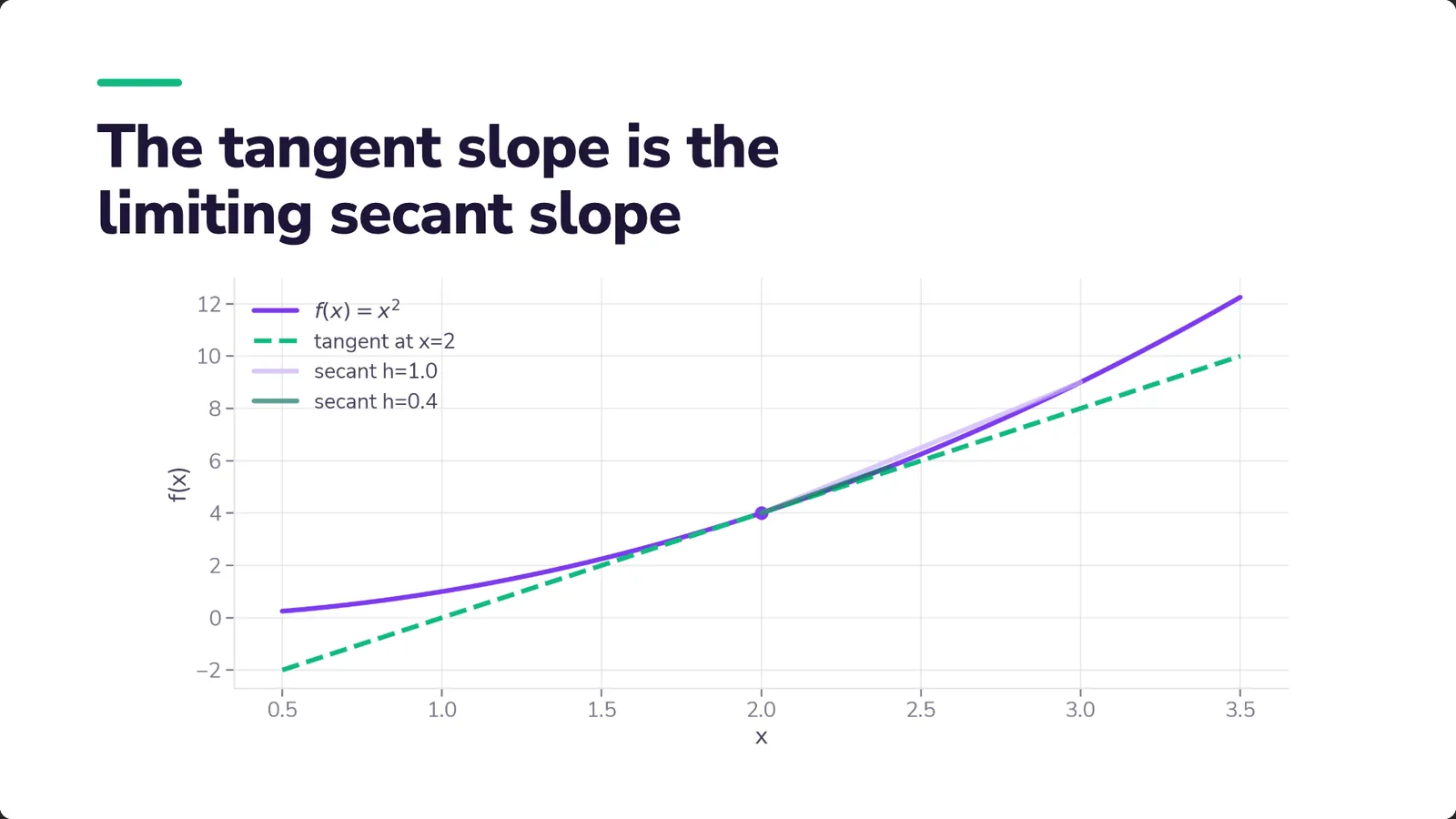
When the lesson needs a graph, Decko does the math.
It writes the Python, runs it in a sandbox and puts the plot on the slide in your deck's colors and type. Change the theme and the plot is redrawn to match. Ask for a change and it draws it again.
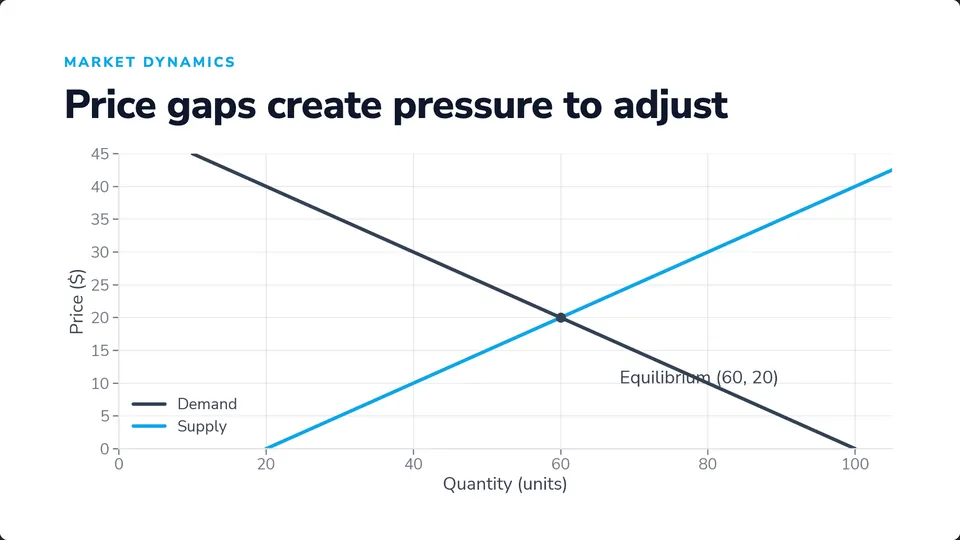
Economics: where the curves cross
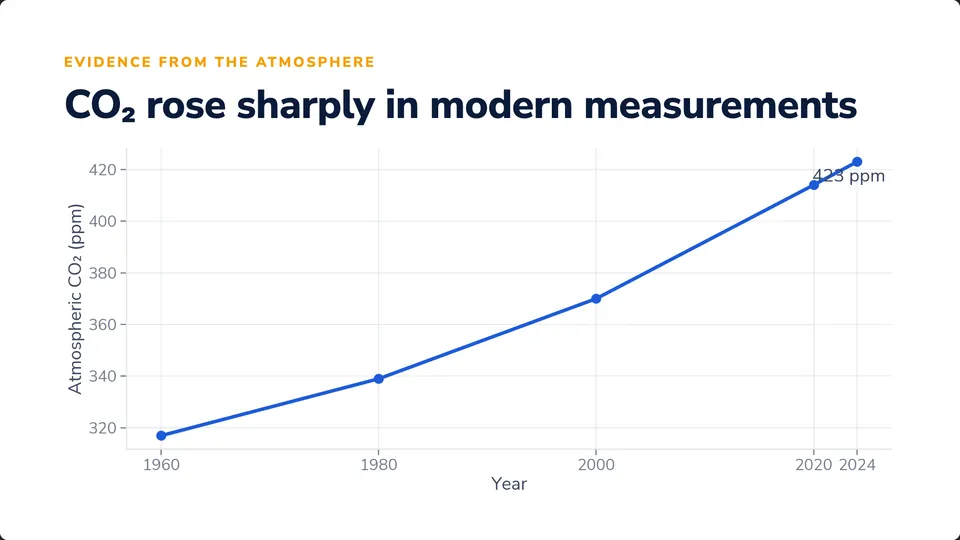
Climate: measured CO₂, 1960–2024
x = np.linspace(0.5, 3.5, 300)y = x**2ax.plot(x, y, label='$f(x)=x^2$')ax.plot(x, 4*x - 4, linestyle='--', label='tangent at x=2')for h in [1.0, 0.4]: xx = 2 + h m = (xx**2 - 4) / h ax.plot([2, xx], [4, xx**2], alpha=0.7, label=f'secant h={h}')ax.scatter([2], [4])ax.set_xlabel('x')ax.set_ylabel('f(x)')ax.legend()How it works
One conversation, start to class.
Describe the lesson, attach your notes or a PDF, and watch the deck come together beside the chat. Every message after that edits it in place.
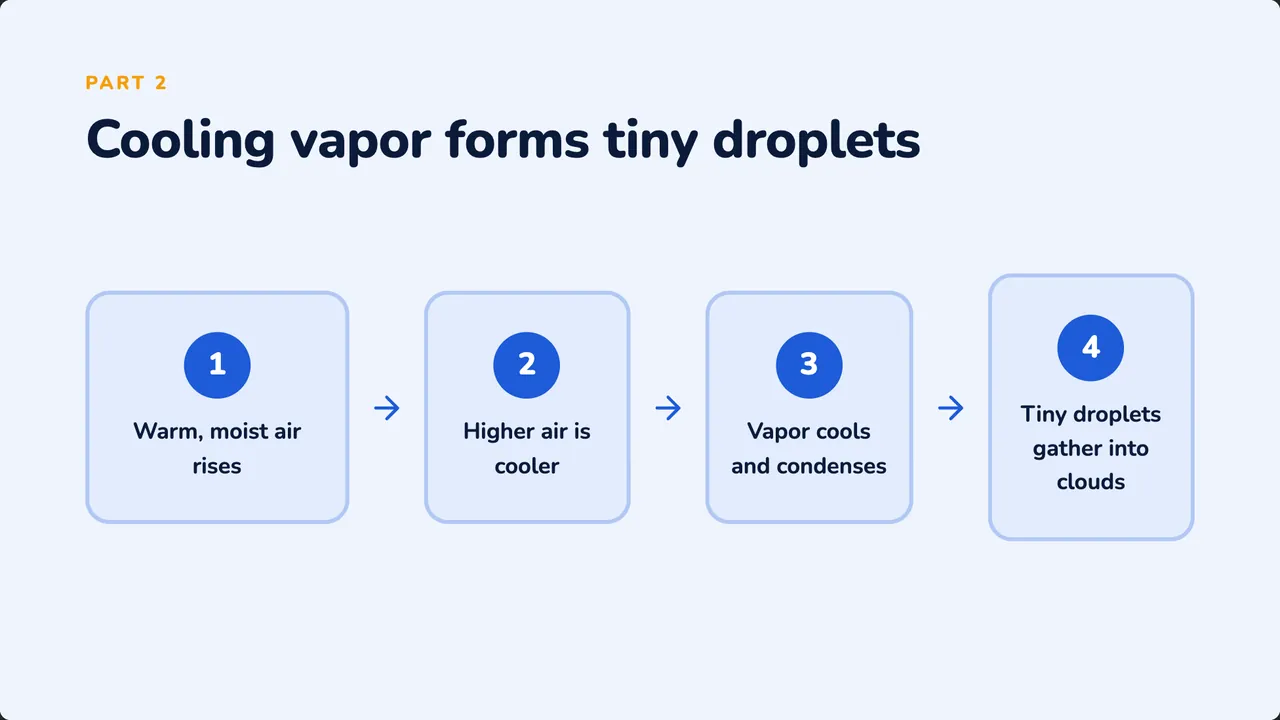
 Your slides appear here

Then just keep talking.
The first draft is only the start. Ask the way you'd ask a colleague, and Decko restructures the deck, adds slides and redraws figures while you watch.

- “Add a quiz at the end”+1 slide
- “Make it shorter and more visual”9 → 6 slides
- “Add speaker notes to every slide”Notes on 6 slides
- “Simpler words, it's for my support group”Reworded
- “Make the supply curve steeper on that graph”Plot redrawn
Everything around the slides
Ready before class, useful during it.
01Before class
A second read
Decko reviews the deck for goals, pacing, level and accuracy, and hands you each fix as a message to send.
A version for every group
Easier, more challenging, for younger students, or the same lesson in another language.
Starts from your material
Attach a PDF or your notes, or import a PowerPoint to rework.
Your look, saved
Pick the colors, type and picture style once, and keep them for the next deck.
02In class
Present from the browser
Speaker notes, a timer, and points that appear one at a time.
Live answers from phones
Students join with a code or a QR and answer the quiz on screen; the results fill in beside the slide.
A worksheet to hand out
Printable questions from the same lesson, with an answer key for you.
03After class
Share a link
A read-only copy students can page through, no account needed.
PowerPoint and PDF
Editable PowerPoint and print-ready PDFs that match what you saw in the studio.
Your next class is one sentence away.
Say what you're teaching, watch the deck come together, and walk into class ready.
Start a presentation